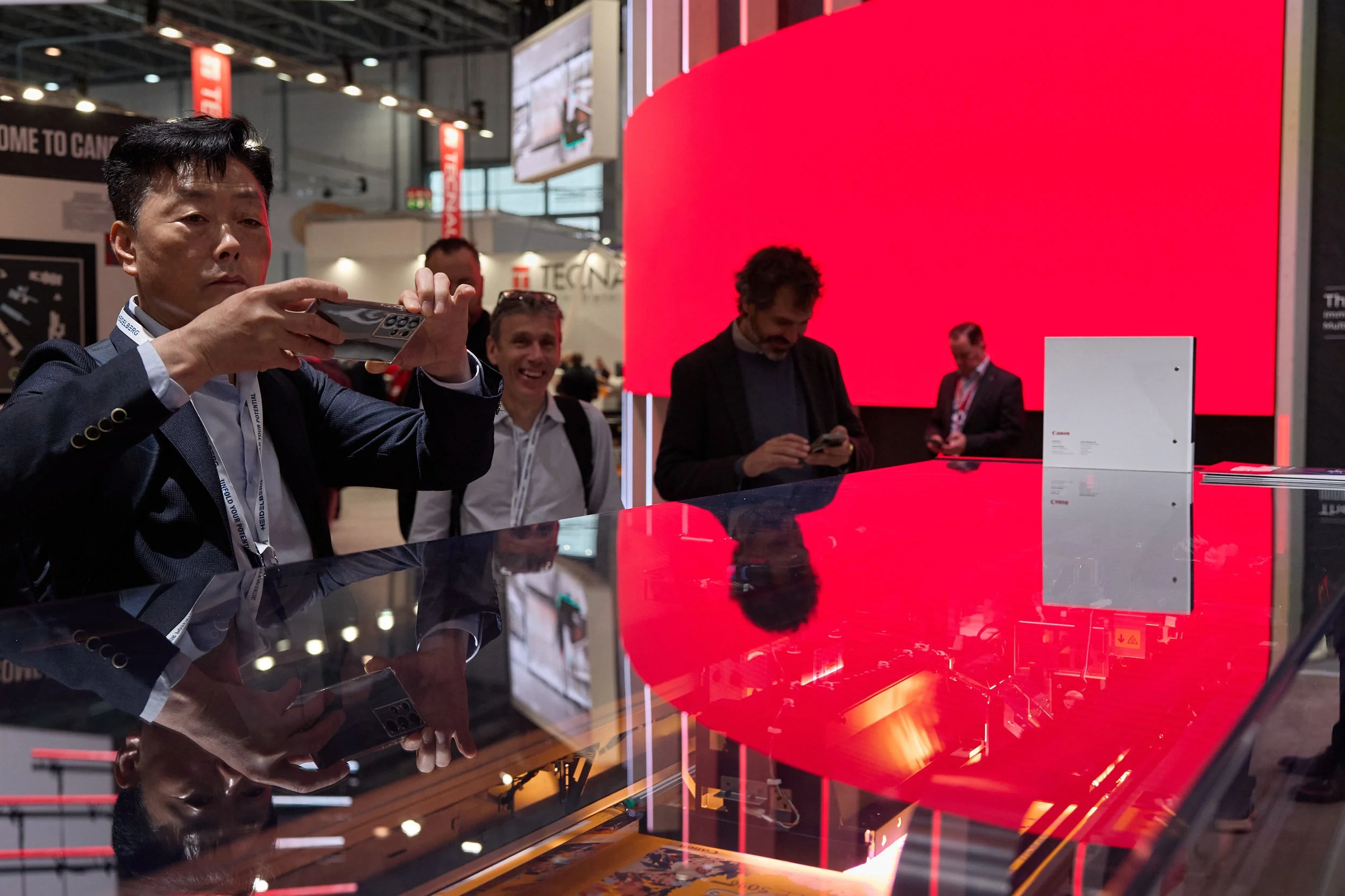
How to Brief an Event Photographer: A Practical Guide for Creative Agencies
For agencies and clients alike, by the time an event opens there’s already been months, or even years, of planning that have gone into creating it. In fact, by the time the event actually comes around, all the hard work is done!
Photography gives all that work a life beyond the event itself. Documenting gives agencies the opportunity to share the project whether that’s to promote future experiences or show prospective clients what you can deliver.
A clear brief helps your photographer understand the key elements of the whole project. What were the pain points? What is the client most excited about? What are the key design features you’d love to document.

1. Explain what the photographs need to achieve
Start by explaining what you need the images to do. Are they for a case study, for on-the-day promo or perhaps reference material for prospective clients. During the design and planning there will have been features that conversations centred around - maybe it’s a key design element, maybe someone of note will be on the stand or perhaps a new piece of tech is being launched. Making your photographer aware of these elements helps them prepare better, both in the build up to shoot day and throughout the event.
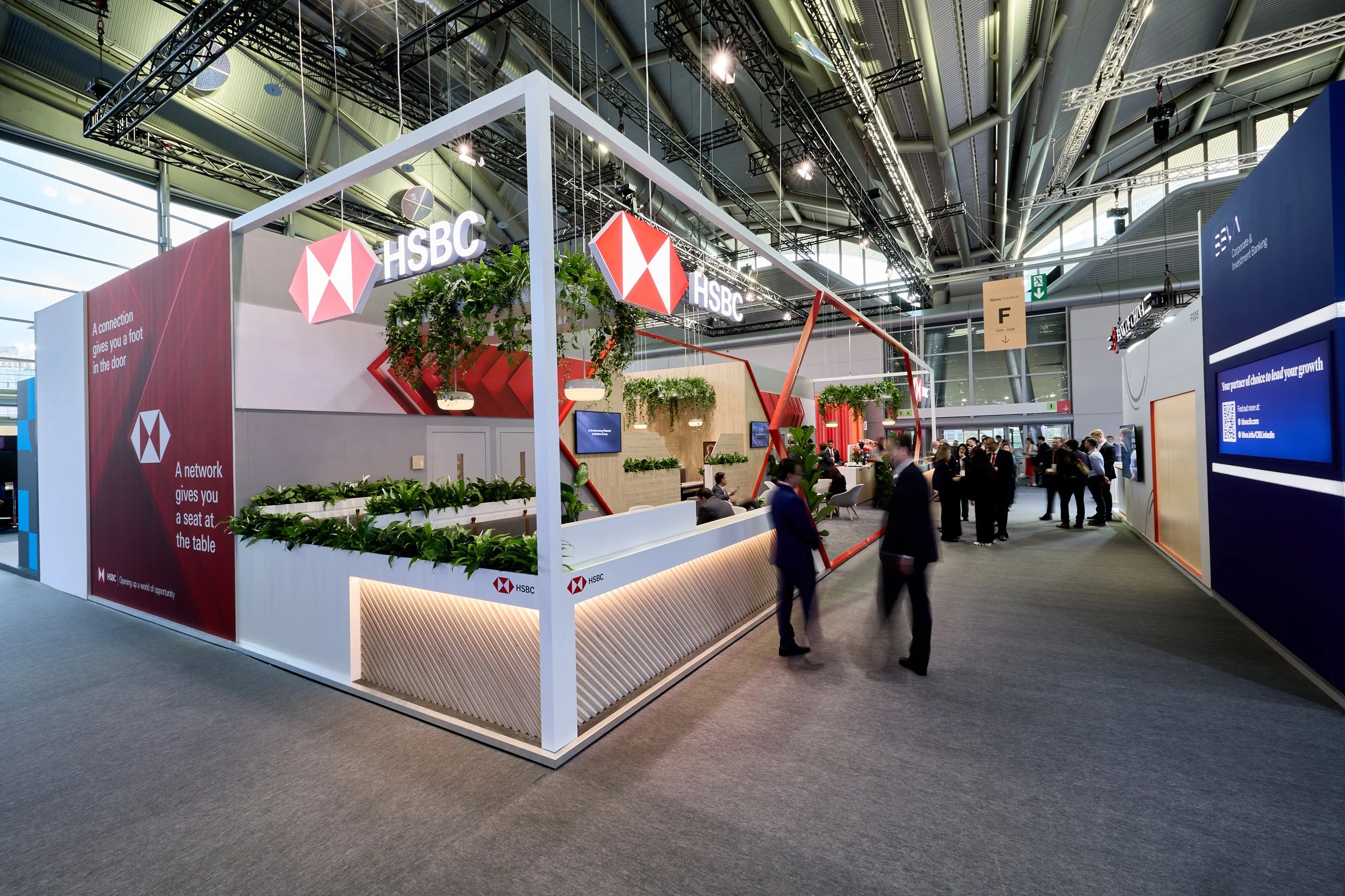
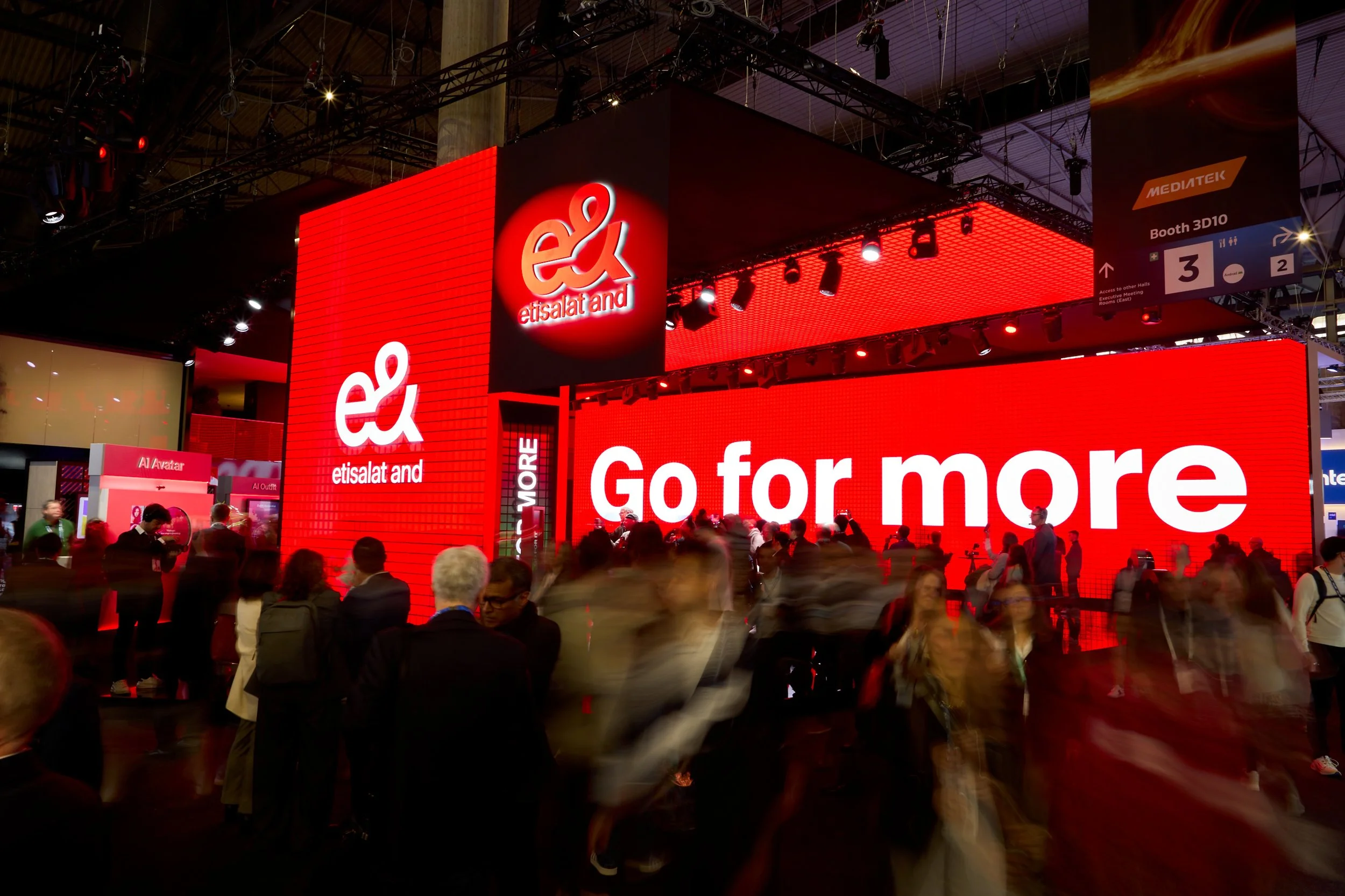
So for example, if the story is about the scale of a build, the wider views and architectural details will matter. This is going to influence your photographers lens choices. If you want to communicate how an experience connects with visitors, we need to see people participating, reacting and interacting with the space. A little background is useful here. Tell your photographer what makes the project distinctive, who you want to reach and what you hope that audience will take away from the images.
2. Identify the shots you cannot leave without
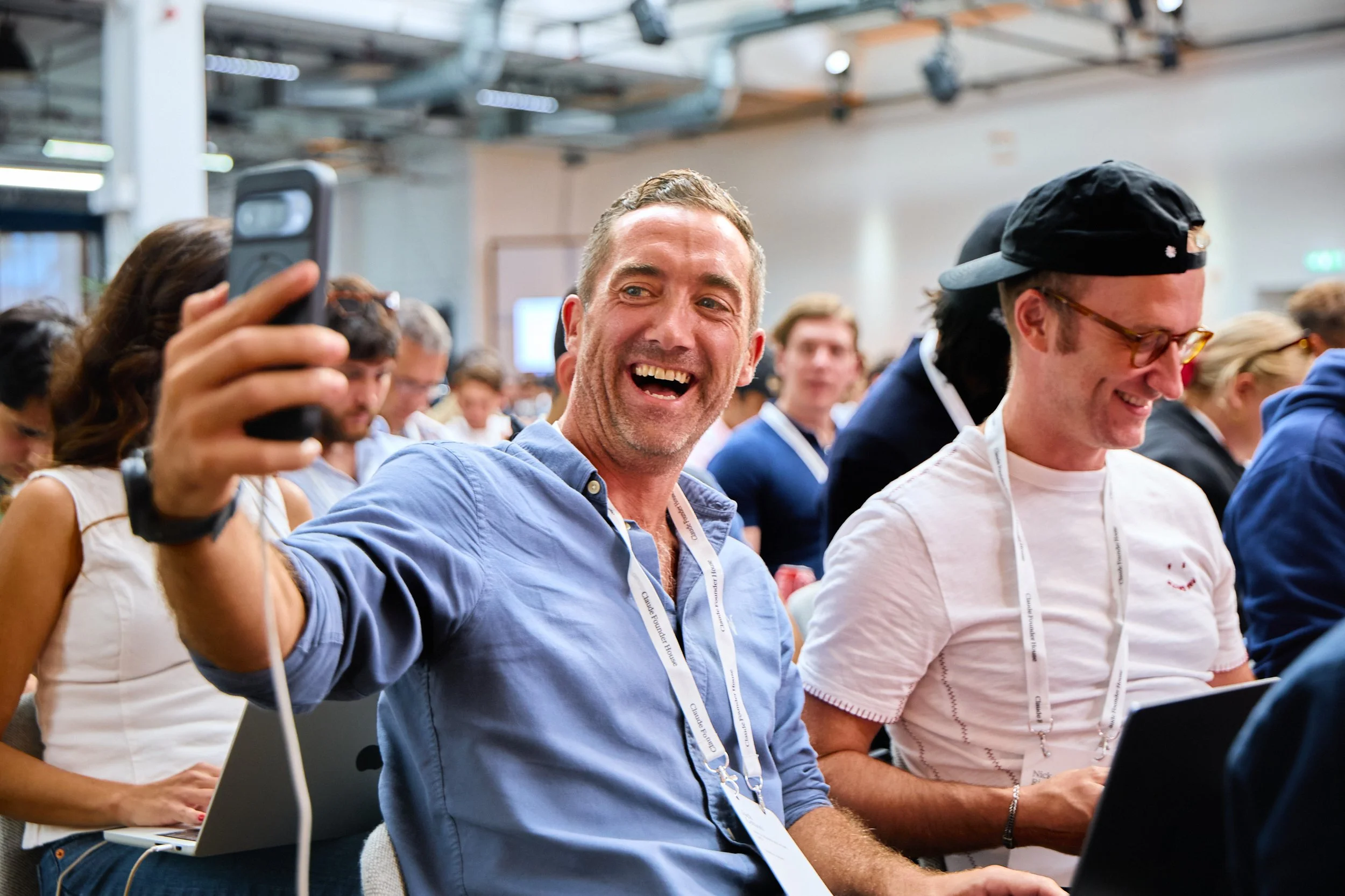
Live events often have several things happening at once. A speaker might be on stage while a demonstration takes place elsewhere, just as a key client arrives.
Often in the hectic world of events, it’s impossible for your photographer to reach key decision makers when scenarios like this unfold. A prioritised shot list helps your photographer make those decisions. It’s also worth talking through any clashes beforehand. Agreeing which moments take priority makes the coverage more realistic and gives everyone clearer expectations.
In your photography brief include the essential people, spaces, design features and scheduled moments. Explain anything that might be easy to overlook: something subtle that may pass the photographer by could be a key feature for the client.
For key people, names and reference photographs help, alongside someone on site who can make introductions. Headshots of key people in the photography brief and on-site introductions are a massive win. It doesn’t just help the photographer in knowing who is who, but it can also help put our subjects at ease also.
3. Think about where the images will appear
This is a huge one for me, it’s so important. The intended use affects how a photograph needs to be composed. A wide image that works across a website banner may be difficult to crop into a vertical for social. A good photographer can photograph key moments whilst also having an eye on branding in the background. Let your photographer know which formats you need: landscape, portrait, square, or a combination. Share example layouts if you have them, particularly where text or graphics will sit over the image. These details help us create photographs that your team can use easily across websites, social media, press and campaign material.
4. Work backwards from your publication deadlines
If your social team wants to publish during the event, include that in the brief from the start. Putting this on a photographer last minute can throw their whole schedule up in the air and cause unnecessary stress and replanning for all involved.
Specify which images they need, how many and when. Allow time between photographing a moment, approving and publishing. Agree a delivery plan for the first selects and the complete gallery, including file sizes, upload folders and who needs access. A google drive with folders for high resolution and web resolution is an easy win here. It also helps to establish who will choose the images and whether further retouching is required.
A short conversation before the shoot can resolve a lot of this. With clear objectives, realistic priorities and an agreed delivery plan, your photographer can concentrate on creating images that serve the project.